
Buffering when the game starts
Everything was fine until kick-off.
- Switch to another channel and back to reconnect.
- Pause other devices on the network.
- Message us the channel and time — we watch reports closely during big events.
Sport
Live sport is the most demanding thing you’ll watch: everyone tunes in at once and nobody wants to miss the goal. Here’s how to check an event before you pay and set up for a smooth match night.

01 Match-day routine
Ask us whether the event is expected to be available. Fixtures and broadcast arrangements change, so check close to the date.
Make sure you know the start time in your own time zone — especially if you live abroad.
Watch for ten minutes at the time the event will air. Evening networks are busier.
Restart the router and the device an hour before, then leave them alone.
02 During the game
Everything was fine until kick-off.
The stream is a little behind live TV.
03 Watching together
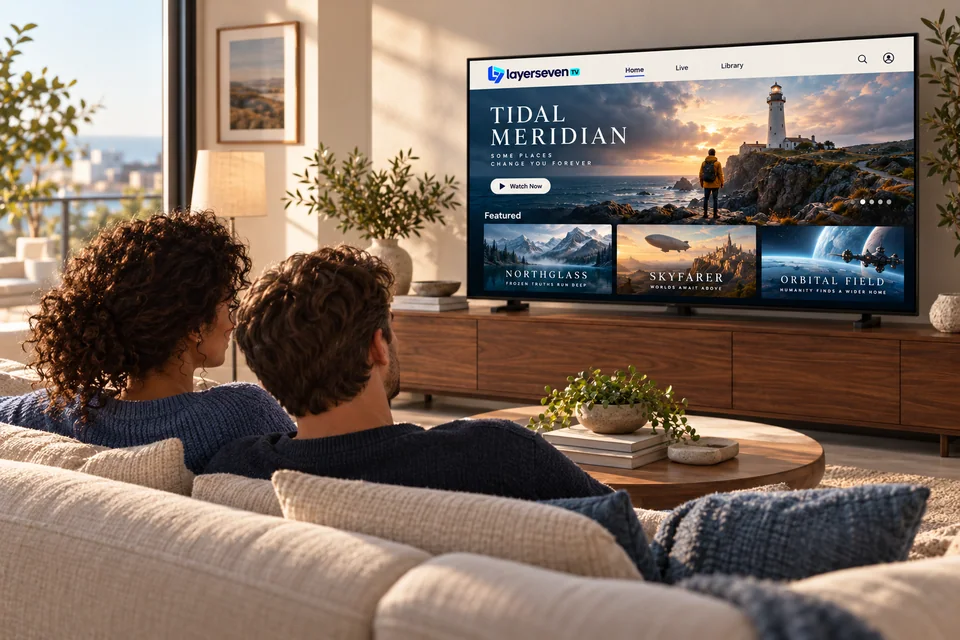
If someone wants the match in the living room while someone else watches a film upstairs, make sure your plan covers two screens at the same time — and that your connection can carry both. Ask us before the big day and we’ll confirm.
04 Sport questions
LayerSeven TV includes live sport channels, and availability of specific competitions changes through the season. Tell us the events you care about and we’ll check them before you pay.
Many sport channels are in HD. What you see depends on the source, your device and your connection.
That’s why we check events before you buy. If we confirmed an event in writing and it wasn’t available, our refund policy covers you.
Next fixture
Send the competition and date. We’ll reply in writing — before you pay.
Prefer email? [email protected]