Android
IPTV on Android: boxes, Google TV, phones and tablets
Android runs the widest choice of player apps, which makes it the most flexible way to watch LayerSeven TV — from a box under the TV to the phone in your pocket.
01 Device types
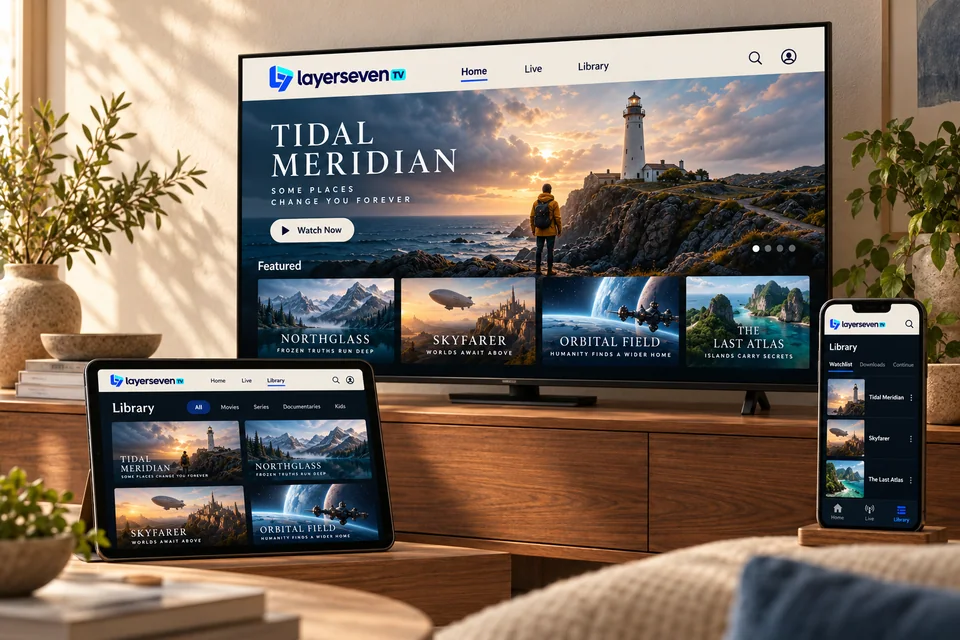
Three kinds of Android device
-
Android TV boxes
Plug into the TV by HDMI. Many have an Ethernet port, which makes them excellent for live sport.
-
Google TV & Android TV sets
TVs and streamers with Google Play built in. Install a player directly — no extra box.
Smart TV guide -
Phones & tablets
Watch in the kitchen, on the train or in bed. Use Wi-Fi where you can to save mobile data.
02 Step by step
Install LayerSeven TV on Android
-
Update Android and check storage
Install system updates and keep at least 1 GB free.
-
Install the player from Google Play
Search for the app we recommended and install it. On boxes without Google Play, we’ll walk you through a direct install from a trusted source.
Never install apps from links you didn’t get from us or an official store.
-
Add your account
Choose the login option and enter the server, username and password exactly as sent.
-
Pick the right decoder if needed
If a channel stutters or shows a black screen with sound, switch the player between hardware and software decoding in its settings.
03 Android questions
Android FAQ
Do I need Google Play?
It makes setup easier and keeps apps updated, so we recommend devices that have it. Without Play, a direct install is possible and we’ll guide you through it.
Will it use a lot of mobile data on my phone?
HD video can use several gigabytes per hour. Use Wi-Fi when possible, or lower the quality in the player if your app allows it.
Can I cast from my phone to the TV?
Some players support casting, but a player installed directly on the TV or a box gives a steadier picture for long viewing.
Android ready?
Tell us your device. We’ll name the right app.
Android has hundreds of player apps. We’ll point you to one that works well with LayerSeven TV on your exact device.
Prefer email? [email protected]