
Free trial
Test LayerSeven TV on your own screen first
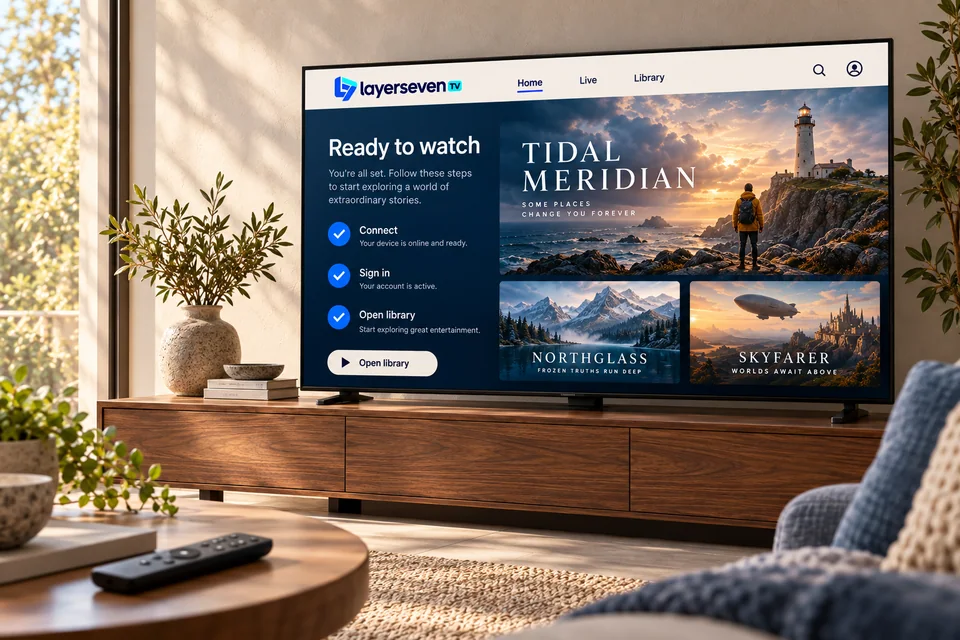
Request a short test to see how LayerSeven TV runs on your device and your home connection — before you choose a plan.
- No payment details to request
- Set up with our help
- Your device, your Wi-Fi
01 How it works
From request to test in four steps
-
Send a request
Tell us your device and the channels or kind of content you want to test.
-
We confirm it suits your setup
If your device or connection won’t give a fair result, we say so first.
-
Receive test details
We send temporary login details and the player app we recommend for your device.
-
Test, then decide
Watch at the times you normally would. If you like it, choose a plan; if not, no hard feelings.
Make the test count
What to check during your trial
- Evening viewing. Watch at 8–10 p.m., when home networks are busiest.
- Your channels. Open each channel you care about at least once.
- Live sport. If sport matters, test a live event, not a replay.
- The library. Start a film and skip forward a few times.
- The remote. Make sure the app feels easy for everyone at home.
Request a test by email
We reply by email. All fields marked * are required.
02 Trial questions
Before you request a test
Do I need to give card details for a trial?
No. A trial request only needs your contact details and your device.
How long does a trial last?
Long enough to test an evening of viewing on your own setup. We confirm the exact length when we send your test details.
Can I keep the same app after the trial?
Yes. If you subscribe, we send your full login details and you enter them in the same player app — no reinstall needed.
What if the trial doesn’t work well?
Tell us what you saw. Most problems come from Wi-Fi or app settings and can be fixed. If we can’t make it work well, we’ll tell you honestly that LayerSeven TV isn’t right for your setup.