Skip to content

Questions before you buy? A person answers on WhatsApp.

Customer support

Fix it in two minutes — or send it to us

Most problems have a quick fix you can try from the sofa. Pick what you’re seeing below. If it doesn’t help, our support desk takes over.

01 Try these first

The 2-minute checks

These four steps solve the majority of the problems we see. Do them in order.

  1. Restart the device properly

    Use the restart option in the settings menu, not just the power button — many TVs only go to standby.

  2. Restart the router

    Unplug it for 30 seconds. Wait until all lights are steady before opening the app again.

  3. Re-open the player app

    Close it completely, open it again and reload the channel list if the app offers it.

  4. Test another channel

    If other channels work, the problem is with that one source — send us its name and the time.

    Note the exact time it happened. It helps us find the cause much faster.

02 By symptom

What are you seeing?

Buffering or freezing

The picture stops every few seconds, or the spinner keeps coming back.

  1. Run a speed test on the TV or stick itself. You want at least 10 Mbps for HD.
  2. Restart the router (30 seconds unplugged), then restart the device.
  3. Connect with an Ethernet cable if you can, or move to the 5 GHz Wi-Fi network.
  4. Pause big downloads, game updates and cloud backups on other devices.
  5. If you use a VPN, switch it off and try again.
Login failed or “account expired”

The app rejects your username, password or playlist link.

  1. Re-type the details — they are case-sensitive, and a trailing space breaks them.
  2. Check the server address includes the full “http://” part and the port, exactly as sent.
  3. Check your plan end date in our welcome message. Renewals keep the same details.
  4. Still rejected? Send us a photo of the error screen.

The app won’t open or crashes

The player closes on launch, or freezes on the loading screen.

  1. Force-stop the app and open it again.
  2. Clear the app’s cache (not its data) in your device’s app settings.
  3. Free up storage — aim for at least 1 GB free.
  4. Update the app and your device’s system software.

A channel is missing

A channel you watched before no longer appears in the list.

  1. Reload the playlist or channel list from the player’s settings.
  2. Look in the same category under a slightly different name.
  3. Check whether the channel is in your favorites but hidden by a filter.
  4. Send us the channel name — we’ll tell you whether it moved or changed.

The TV guide is empty

Channels play, but the program guide shows nothing or the wrong times.

  1. Refresh or update the guide (EPG) in the player’s settings.
  2. Check the time zone setting in the app and on your device.
  3. Give it a few minutes — guides download in the background.

Sound and picture out of sync

Voices arrive before or after the lips move.

  1. Change channel and come back — this re-syncs most streams.
  2. Switch the player between its hardware and software decoder.
  3. If you use a soundbar, check its audio-delay or lip-sync setting.
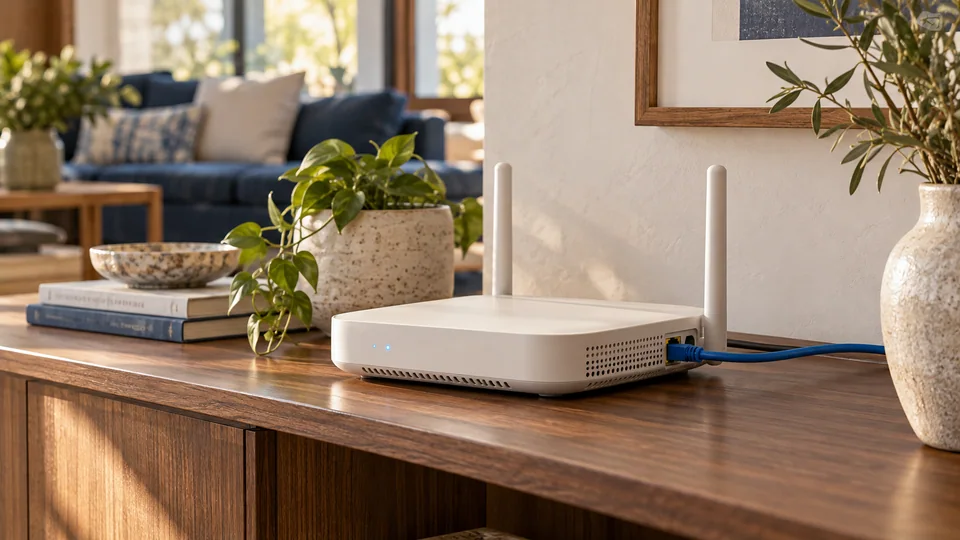
A white home router with an Ethernet cable on a walnut shelf beside a living-room sofa

03 Home network

Nine times out of ten, it’s the Wi-Fi

Streaming TV needs a steady connection for hours at a time, which is harder than loading a web page. A router hidden in a cabinet, a TV two walls away or a family member downloading a game can all cause buffering that looks like a service problem.

  • Put the router in the open, at roughly TV height
  • Use the 5 GHz network for TVs in the same or next room
  • A cable (or an Ethernet adapter for sticks) is the most reliable fix
  • Mesh Wi-Fi or a powerline adapter helps in larger homes
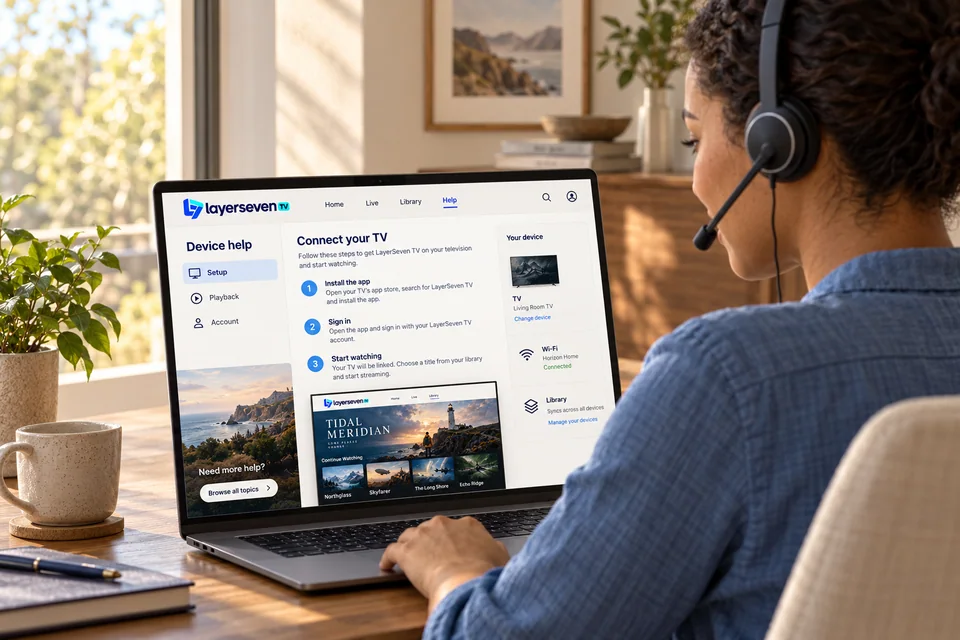
A support specialist wearing a headset reviews a device-help screen on a laptop
Illustrative photo of our support workflow.

04 Talk to us

When the quick fixes aren’t enough

Message us with what you tried. We pick up from there — no need to repeat the basics.

What we help with

  • Choosing a plan and checking your device before you pay
  • Installing the player app and entering your details
  • Buffering, login errors and missing channels
  • Moving your subscription to a new TV
Try the 2-minute fixes first
Chat on WhatsApp